Is This Photo Real? 7 Signs It's AI-Generated
5 min read
You've been sent a striking photo — a profile picture, a product, a "news" image — and something feels off. Here's a fast, 7-point checklist to judge whether it's real or AI-generated. None of these is proof on its own, but two or three together are a strong reason to verify before you trust or share it.
1. Overly smooth, poreless skin
AI-generated faces are often too flawless — waxy, evenly toned, with no pores, fine lines or natural blemishes. Real skin has texture and imperfection. Airbrushed perfection on a supposedly candid photo is a classic tell.
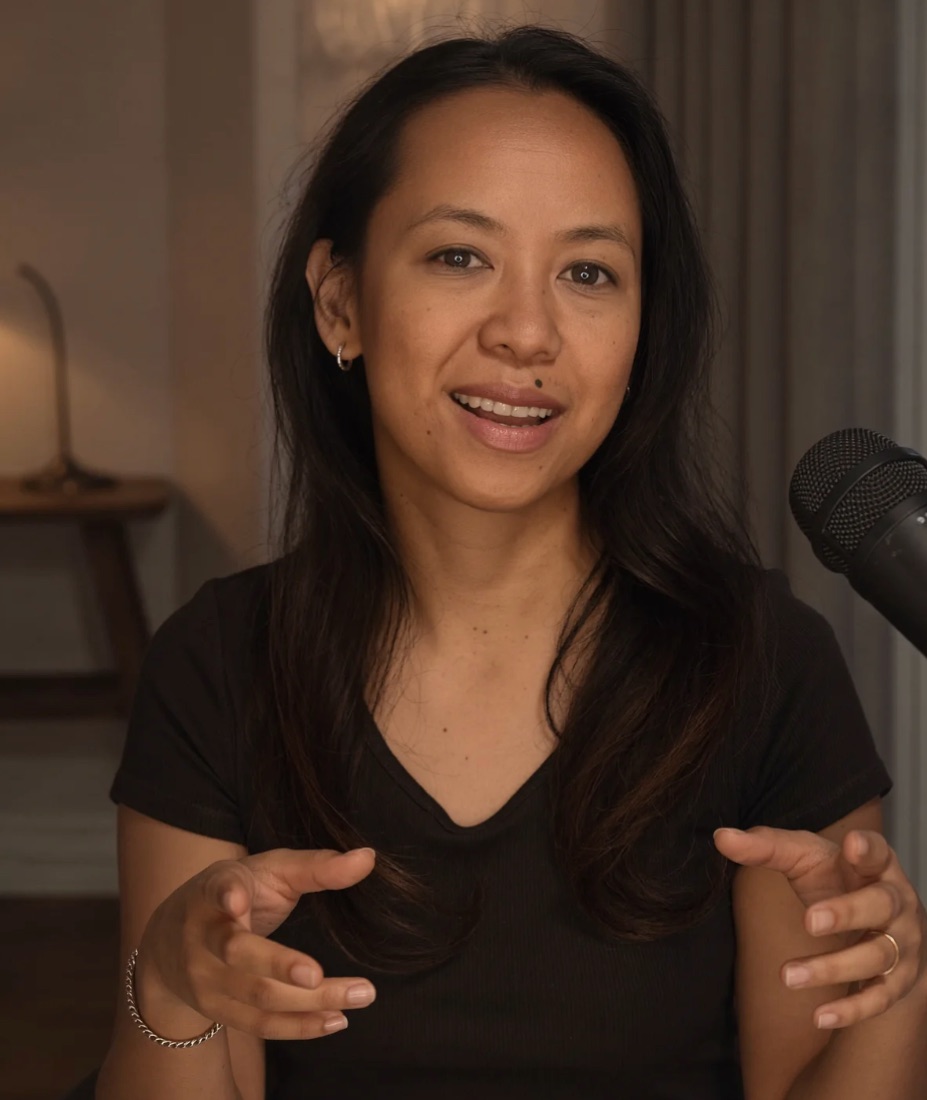
2. Hands and fingers
Still the most reliable giveaway. Count the fingers. Look for fingers that merge, bend the wrong way, or vary in length and thickness. Hands holding objects are especially failure-prone.
3. Gibberish text
Zoom into any signs, labels, logos or writing. AI frequently renders text that looks plausible at a glance but is nonsense up close — invented letters, warped words, symbols that aren't quite characters.
4. Asymmetric accessories
Earrings that don't match, one side of a pair of glasses that's a different shape, collars or buttons that don't line up, a necklace that disappears behind the neck and reappears wrong. Paired objects trip up generators.
5. Melting or nonsensical backgrounds
Look past the subject. Railings that don't connect, doorways that lead nowhere, bricks and tiles that drift out of alignment, and distant faces that dissolve into blobs all point to synthesis.
6. Too-perfect lighting
AI loves a flattering, evenly lit, studio-quality look even in "casual" shots. If the lighting is dramatically more polished than the setting would produce, be skeptical.
7. Reflections that don't match
Check eyes, glasses, windows, mirrors and shiny surfaces. Real reflections mirror the scene; AI reflections are frequently wrong, absent or inconsistent between two eyes.
Your 30-second checklist
- Zoom into hands, teeth and ears
- Read every bit of text in the frame
- Compare left/right on paired accessories
- Scan the background for things that don't connect
- Check reflections and shadow directions
When the signs aren't enough
The best AI images pass all seven of these checks. If a photo matters — money, reputation, safety — don't rely on your eyes. Run it through a detector that combines multiple models with a metadata check, and get human review for the close calls. For the deeper version of this list, read how to tell if an image is AI-generated, and for moving images, how to spot an AI-generated video.
Not sure about an image or video?
VeriTrue runs it through multiple specialized AI detectors and a metadata analysis in seconds — with human verification available for the tough calls.
Check a file with VeriTrue →Frequently asked questions
Is there an app to check if a photo is AI? Yes — VeriTrue checks photos, video and text in your browser or on iPhone and iPad, using multiple detectors plus optional human verification.
Why do real photos sometimes get flagged as AI? Heavy editing, filters and beauty modes can look synthetic to a detector. This is why a good tool reports confidence and offers human review rather than a blunt yes/no.